Real-time monitoring with Activity Rings, burn rate projections, and smart alerts. All from your macOS menu bar.
Features
Six core modules designed for one thing: making sure you never hit a rate limit by surprise.
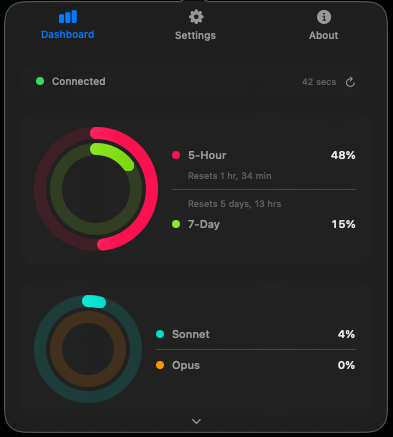
Apple Watch-inspired concentric rings for your 5-hour and 7-day usage windows. Separate rings for Sonnet and Opus model breakdown.
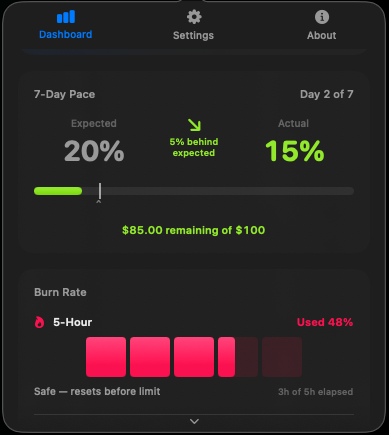
Visual comparison of where you are vs. where you should be. Expected vs. actual usage with clear ahead/behind status at a glance.
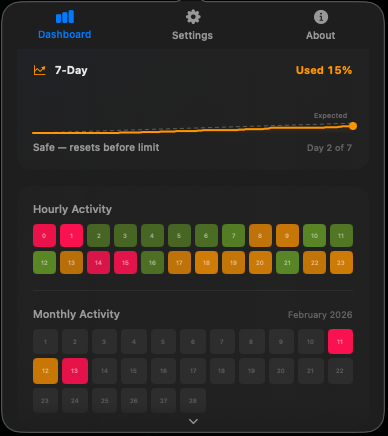
5-hour window shown as filling squares. 7-day window as a stock-chart sparkline with expected pace reference line. Color-coded by severity.
Native macOS notifications at 80% and 95% thresholds on both usage windows. Never hit a rate limit by surprise.
24-hour usage pattern grid that builds over time. See exactly when you use Claude most throughout the day.
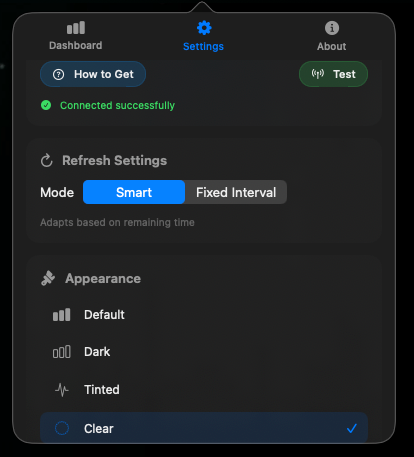
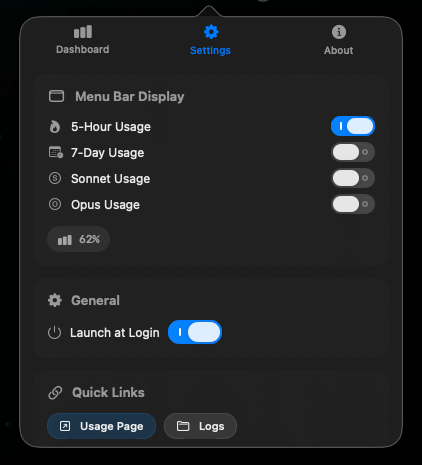
Live usage percentage in your menu bar. Choose which metrics to display. Four icon themes. Configurable refresh modes.
Built With
Pure SwiftUI. No Electron. No web views. Your session key stays in macOS UserDefaults and never leaves your machine.
Setup
Three steps. No account creation, no API keys to generate. Just your existing Claude session.
Grab the latest release or build from source with Xcode.
Open claude.ai, grab the sessionKey from your browser's developer tools cookies.
Enter the key in Settings, hit Test, and you're live. Data refreshes automatically.